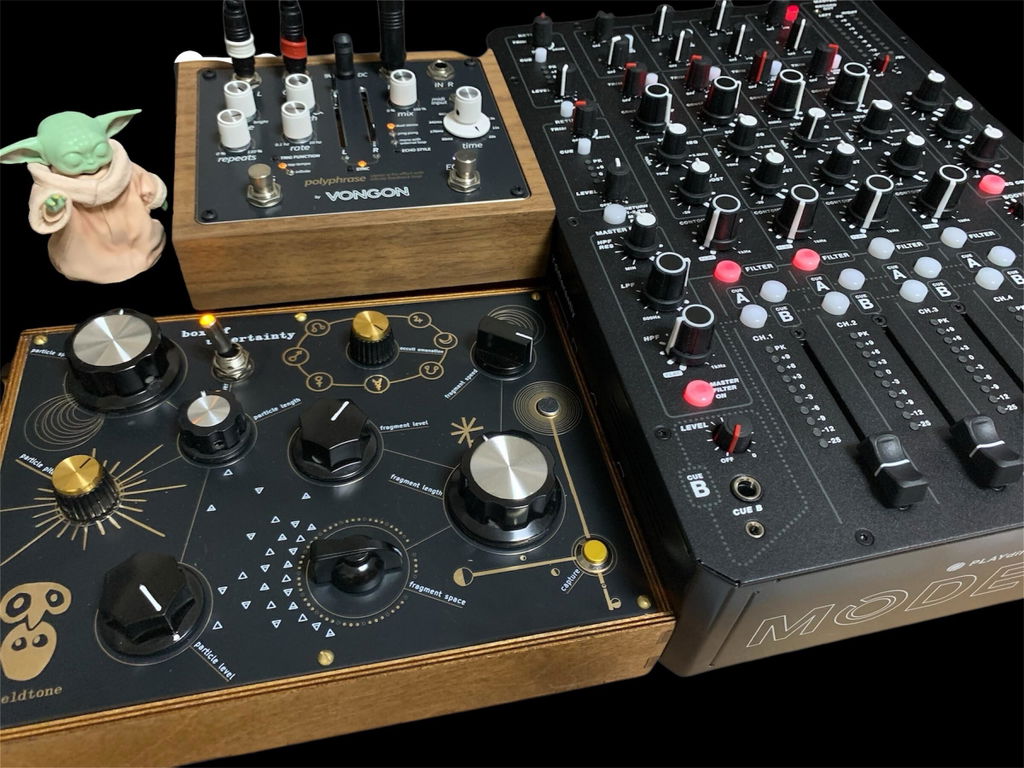
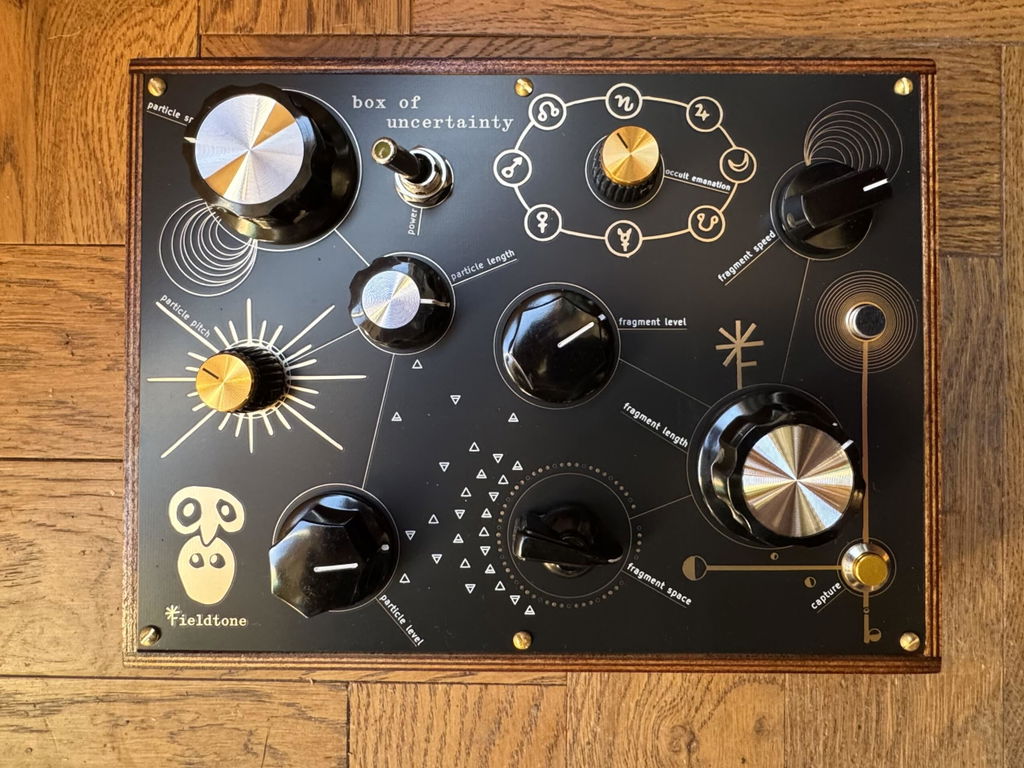
The Box of Uncertainty is exactly what its name implies:
you can learn what each of the knobs do, and in doing so you’ll be able to control what happens to a degree, but there are still arcane and mysterious powers at play here, and depending on the settings of each knob and the type of sound you have recorded into the buffer, certain parameters may behave differently. It reminds me of the Cocoquantus by Ciat - Lonbarde, which I had in my possession for a period of time a few years ago. Since that’s the only other device I am aware of that bears more than a passing similarity to the Box of Uncertainty, I will compare the two a bit more:
I would say that the BOU could be an alternative to the Cocoquantus, albeit a less flexible one as it lacks any kind of CV inputs. Both devices have two channels of audio. On the Cocoquantus both channels are more or less the same, while the BOU has only one channel that offers pitch control, and the other has a reverb effect (which sounds very nice I might add). The BOU also has a control called “occult emanation”, which to the best of my understanding is some sort of ring mod with an additional shimmer effect that kicks in every once in a while. It makes sounds that remind me of the Earthquaker Devices Rainbow Machine. The Cocoquantus does not have any built-in effects, although its recording buffer can be held open, and recording new audio does not erase what was previously recorded, so it can be used as a stereo delay or looper. The recording buffer on the BOU cannot be held open like the one in the Coco can, so it cannot be used as a delay / looper in the same way. Pressing the capture button replaces the current sample with a new recording.
I do enjoy the clicky, rough-hewn quality of the loop points. Some might find it “crude” or undesirable, but if you pitch down the sample and unused just a hint occult emanation (which to the best of my understanding is some type of ring mod with a tuneable carrier oscillator and a shimmer effect), some deep bass drum tones can be achieved. The physical controls of the BOU are much more playable than the ones on the Cocoquantus: the large knobs feel very much in favor of fun and live performance, inviting the user to twist and turn to their heart’s content.
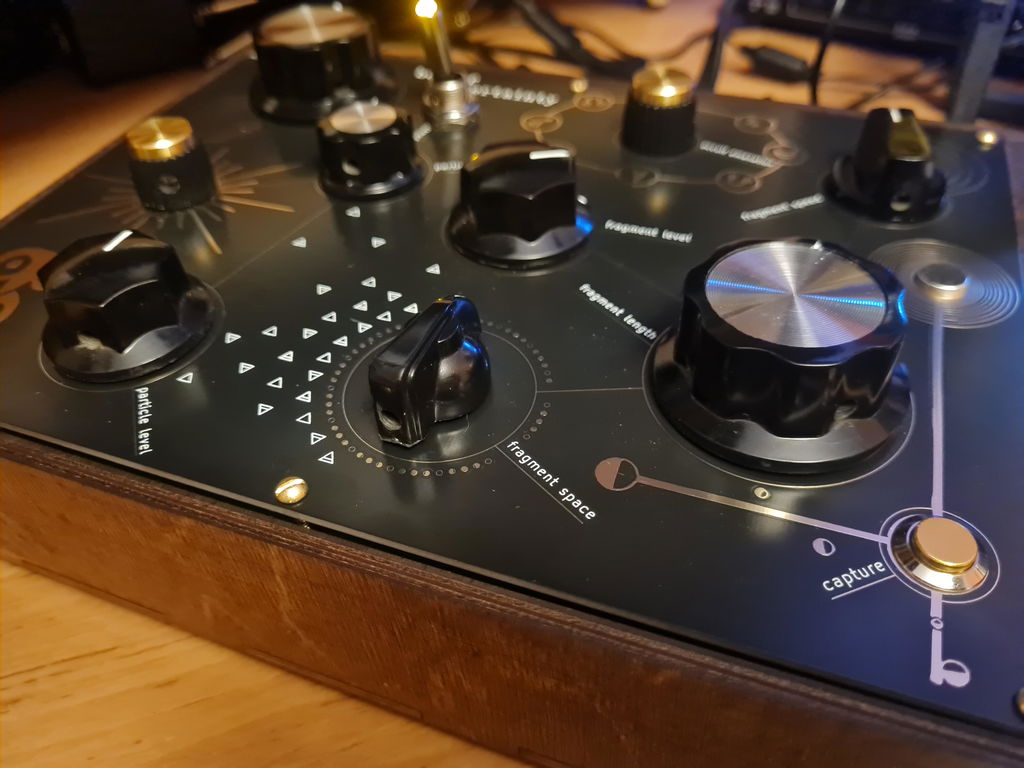
The “capture” button is an exception here: the control panel around the button is not mounted to any part of the wooden case, so the panel yields under the pressure of your finger when you press the button and the metal corner scrapes the side of the wooden case as it dips inward. If you’re using the built-in mic, this is a problem, because it will pick up that sound and drown out whatever it was you were trying to record in favor of metal scraping wood. I have been able to train myself to press the capture button very lightly in order to avoid this sound, but that doesn’t always work and it would be nice if the panel had been mounted more securely to the wooden case. I would also have appreciated having the ability to alter the pitch of both channels of audio, and having pitch controls with higher resolution. I find it difficult (sometimes impossible) to tune the pitch of the “particle” channel to the fixed pitch of the “fragment” channel, as it seems to skip over pitches that would be in harmony with the original sample in favor of more dissonant intervals. This might simply be part of the nature of the hardware that is used here, but I’m not sure.
The built in microphone is quite sensitive, and I think it excels at picking up room ambience and quiet sounds. The preamp will break up if the incoming sound is louder than a normal speaking voice, but the line input on the back has more headroom than the built in mic does so that can be used if the sound you want to capture is louder than what the mic can handle. It’s nice to have options.
Overall I think the BOU is a beautifully designed piece of art that can produce some very fascinating and sometimes beautiful results, though perhaps not the most versatile sampler in the world. In the week that I’ve had the BOU, I have found it a useful soundscape tool that fits snugly in the empty spaces: when I’m working on something and it just feels like something is missing, pulling out the BOU and twiddling the knobs often results in something that does the trick and rounds everything out, and gives the track a dash of something unexpected.
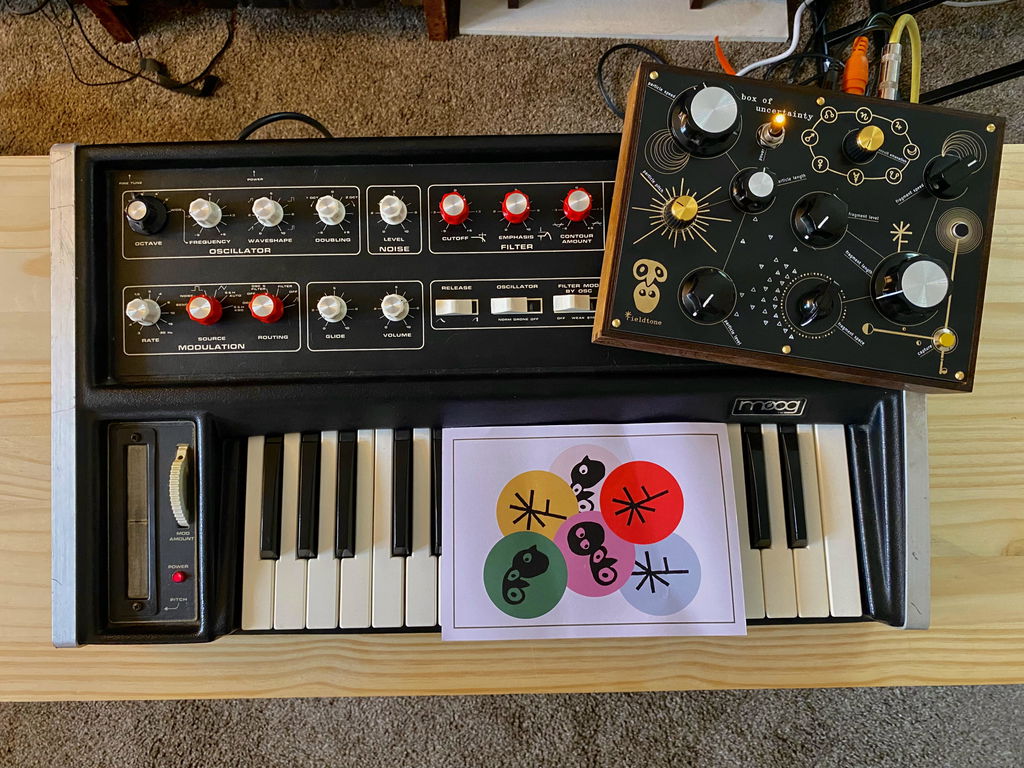
Short demo of the BOU chewing up some Moog sounds: https://www.youtube.com/watch?v=f-vE9L0n2eA